



Key Takeaways
- One BCPoker account can be accessed from PC, smartphone, and tablet.
- Account data, wallet balance, VIP status, and tournament progress stay linked to the same profile.
- Browser, desktop client, mobile web, and app provide different access routes for different situations.
- New devices or unusual connections may trigger 2FA or additional security checks.
- Device switching does not guarantee uninterrupted continuation of an active poker hand.
- Login issues can result from outdated credentials, authentication errors, connectivity, or security restrictions.
Access your existing account from the device that fits your current situation.
One Account Across PC, Smartphone and Tablet
An existing BCPoker profile remains the central point of access whether the user is on a desktop, laptop, smartphone, or tablet. Browser access is available without installation, while mobile and desktop software provide interfaces adapted to their respective devices. Players who want to continue using the service from a smartphone can explore the BCPoker mobile poker platform and choose a suitable access option for their device. Moving between these options does not require a new profile or separate account.
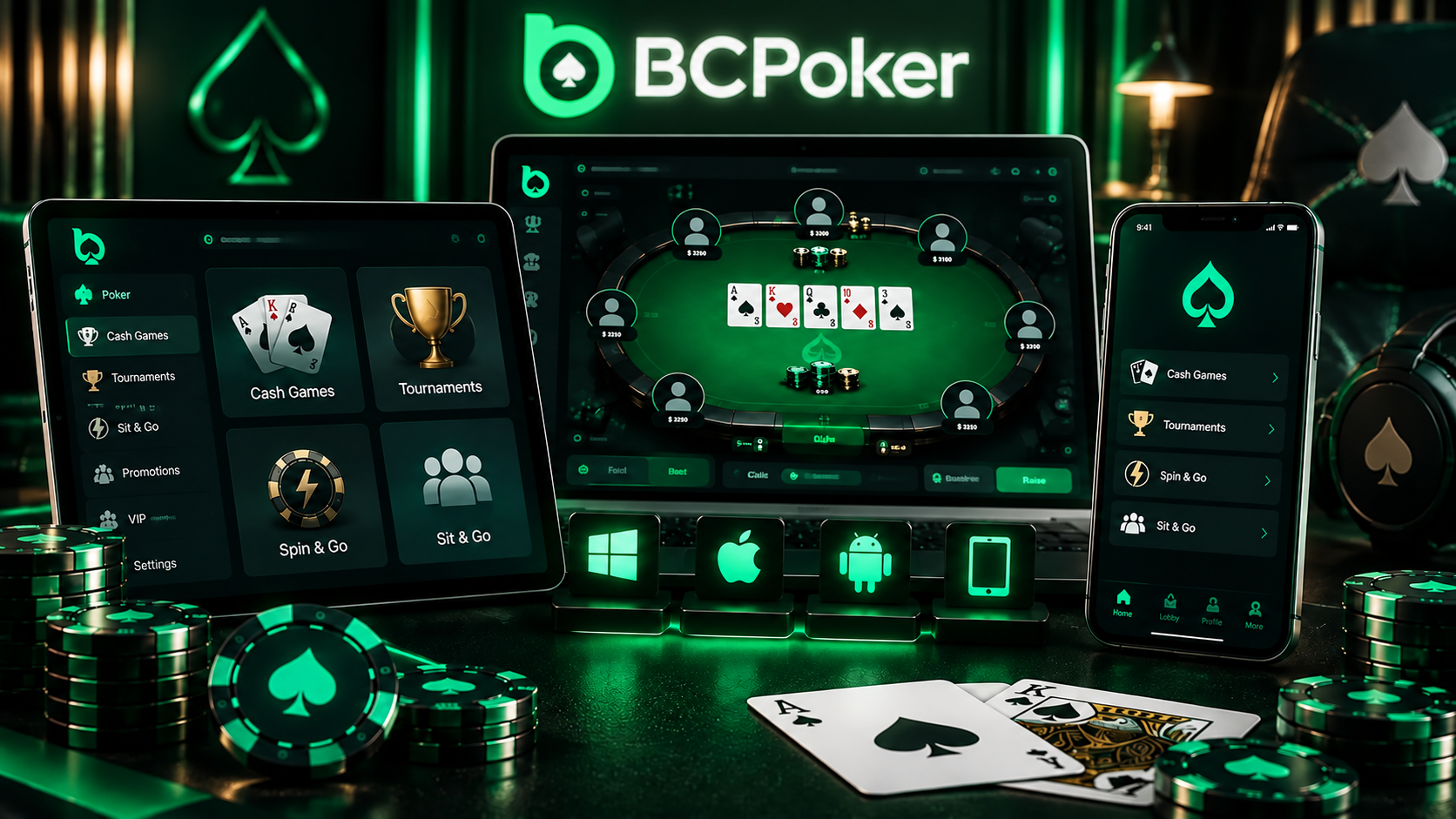
What Follows You When You Change Devices
The Guidebook states that account data, wallet balance, VIP status, and tournament progress remain synchronized across supported devices. For example, a player can check the lobby from a computer and later open the same account on a smartphone without creating another profile or starting again.
The main benefit is continuity at the account level. Wallet information, loyalty status, and tournament-related progress remain associated with the same profile when the access device changes.
BCPoker Access from a Desktop or Laptop
Desktop and laptop users can choose between browser access and dedicated software. The web version does not require installation, making it practical when using a temporary computer, while the desktop client provides a dedicated environment for users who regularly play from the same machine.
A larger screen also gives more room for table navigation and account management during longer sessions. Whichever option is selected, players can log in to BCPoker using the existing account rather than maintaining separate desktop credentials.
BCPoker Access from a Smartphone or Tablet
Smartphones and tablets provide another route to the same BCPoker profile when a computer is unavailable. Users can access the service through mobile web or dedicated mobile software, with the interface adapted for touch controls and smaller screens.
The important point is continuity with the existing account. A player who normally uses a laptop can later open the service from a phone, review the lobby, check account information, or manage the profile without creating another account. The mobile environment is designed to provide access to the same account data and current status.
The BCPoker login process therefore remains connected to one profile even when the device and interface change.
Switching Devices in the Middle of Your Poker Routine
Changing devices can be a normal part of a player’s routine. Someone may review the lobby on a computer, move to a smartphone while away from the desk, or use a tablet when a laptop is temporarily unavailable. These changes affect the access point rather than the underlying account.
Wallet, VIP Status and Tournament Progress
Wallet balance, VIP status, and tournament progress remain associated with the same account across supported devices. This allows your account-level information to stay available when you switch between screens or access methods.
There is one important limitation regarding an active tournament. Account synchronization does not necessarily mean that a hand already in progress or an active tournament session will transfer between clients without interruption. Check the current client behavior before relying on a seamless switch during live play.
Browser or Installed Client Depending on Where You Are
The most practical access method depends on the device and environment. BCPoker provides both browser-based and installed routes, so the user can select the option that requires the fewest unnecessary steps in the current situation.
| Access route | Typical situation | Main advantage |
| Web browser | Temporary or shared computer | No software installation |
| Desktop client | Regular PC or laptop use | Dedicated larger-screen environment |
| Mobile web | Quick access from a phone or tablet | No app installation required |
| Mobile app | Regular smartphone or tablet use | Mobile-optimized interface |
The routes address different circumstances rather than forming a simple better-versus-worse ranking. A regular computer user may prefer installed software, while browser or mobile access can be more convenient when installation is unnecessary.
Signing In from a New or Unfamiliar Device
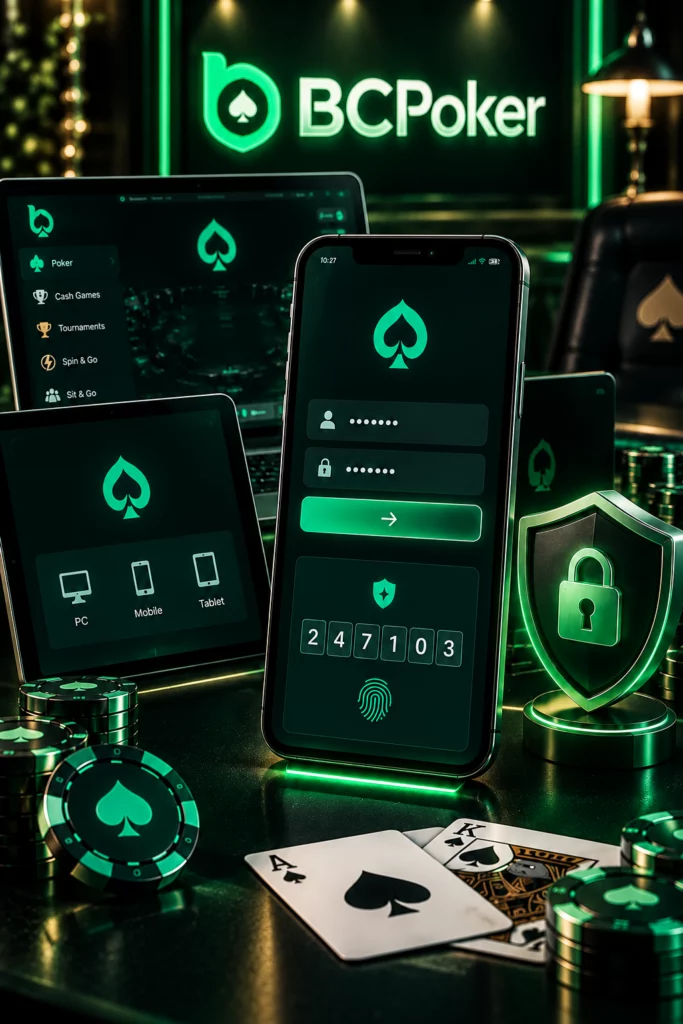
A new smartphone, laptop, browser, or connection can trigger additional security checks because the access pattern differs from the user’s usual activity. BCPoker’s security materials describe two-factor authentication and account monitoring as part of its security measures.
For example, replacing a phone may require an additional verification step even when the account credentials are correct. The same can happen when accessing an account for the first time from an unfamiliar laptop or connection.
When required, sign in to BCPoker with the existing account credentials and complete any additional verification requested by the platform. These security checks should not be treated as mandatory KYC for every login.
When Changing Devices Looks Like an Account Problem
A device change can sometimes look like an account problem even when the account itself is functioning normally. The cause may be stored credentials, authentication, connectivity, or a temporary security restriction.
Typical examples include:
- A browser or password manager automatically inserts an outdated password.
- A 2FA code fails because the current authentication method or code entry is incorrect.
- Mobile data behaves differently from a home Wi-Fi connection.
- A security system temporarily limits access after detecting unusual activity.
The response should match the cause. Check saved credentials when outdated details are being inserted automatically, use the official recovery process when account credentials are no longer valid, and test a stable alternative connection when the issue appears network-related. Persistent security restrictions should be handled through official support rather than repeated attempts.